
Guides to selling online in Nepal.
Practical guides and real business insight, written for Nepali founders. Payments, couriers, POS, compliance and marketing, step by step.
22 guides and 29 step-by-step how-tos with video, from first sale to compliance.
Start here
New to selling online? These pages explain what Blanxer does for each part of a Nepali business, with answers to the questions sellers ask most.
- Ecommerce websiteYour own ecommerce website, built for selling in Nepal.
- Business managementBusiness management software for shops that also sell online.
- WooCommerce alternativeA WooCommerce alternative built for selling in Nepal.
- Odoo / ERPNext alternativeOdoo, ERPNext or Blanxer for a Nepali retail business?
- Clothing storesRun your clothing or fashion brand in Nepal from one system.
- Electronics storesRun your electronics or gadget store in Nepal from one system.
- Beauty and cosmeticsRun your cosmetics or beauty store in Nepal from one system.
- SupermarketsSupermarket and grocery software for Nepal, in store and online.
- POS systemA POS system for Nepali shops that also sell online.
- Billing softwareBilling software for shops that want their stock to add up.
- Inventory softwareInventory software that keeps your shop and your website in sync.
- Payment gatewayOnline payments for your Nepali store, already connected.
- Courier & deliveryDelivery for your online business, without the copy-paste.
- Shopify alternativeThe Shopify alternative built for Nepal.
- Website costWhat an ecommerce website costs in Nepal.
- Daraz vs own websiteDaraz or your own website?
- Sell on InstagramSell on Instagram and Facebook without living in your DMs.
Video tutorials.
Prefer to watch? 33 short videos, in Nepali, on every Blanxer feature.
 1:12
Getting started
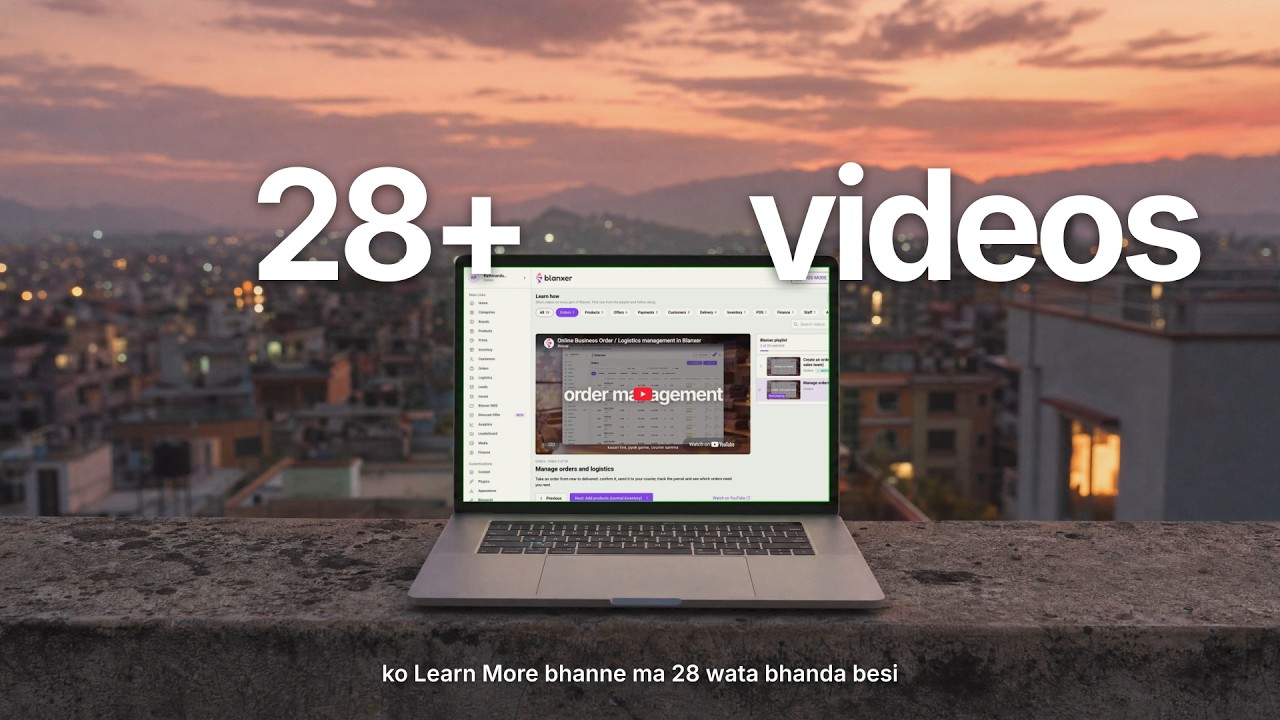
What is Blanxer?
Start here: what Blanxer is and what it does for your business, before the videos on each feature.
 6:54
Orders
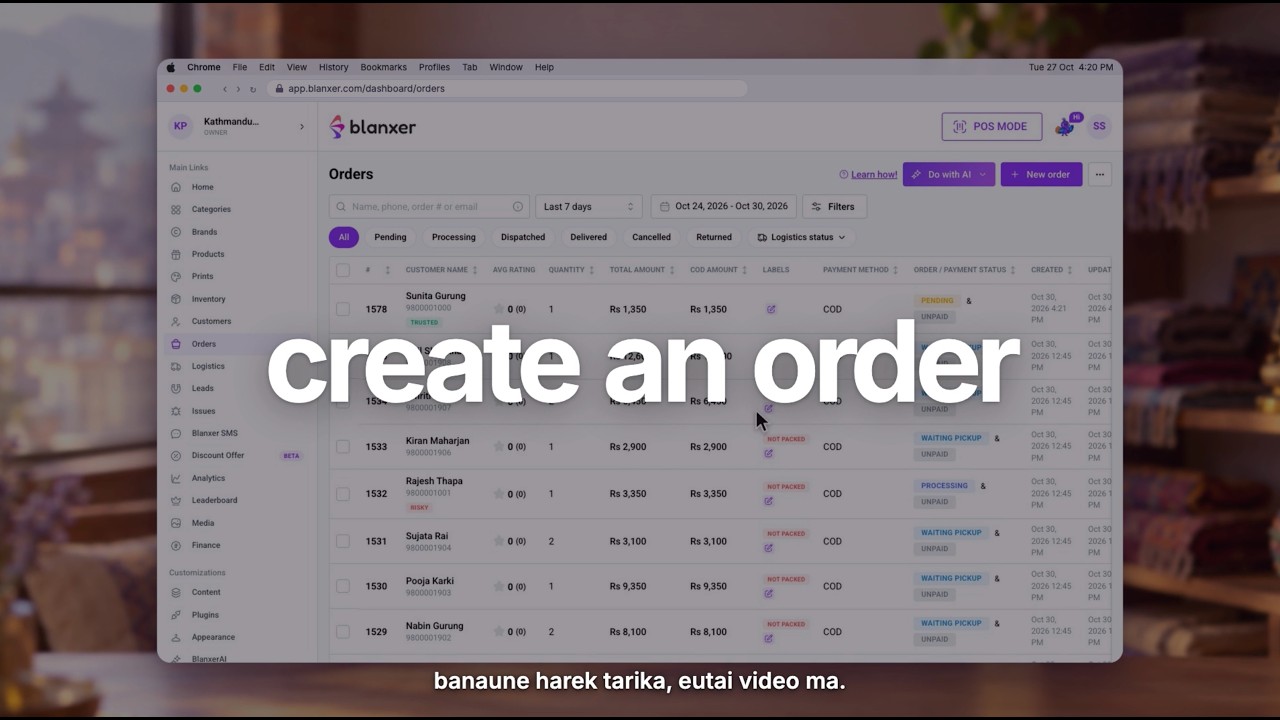
Create an order (for your sales team)
The most important one: how your team takes an order from a customer and creates it in Blanxer, step by step.
 14:02
POS
Blanxer POS from start to finish
Sell at your counter with Blanxer POS: set it up, make a sale, take payment and close the day.
Step-by-step guides
Every Blanxer feature, with its video and screenshots.
 5:43Add products (normal inventory)Add a product with its photos, price, variants and stock, for stores on normal inventory.Products · Guide and video
 6:18Add products (advanced inventory)Add a product and stock it in per outlet, with its cost, for stores on advanced inventory.Products · Guide and video
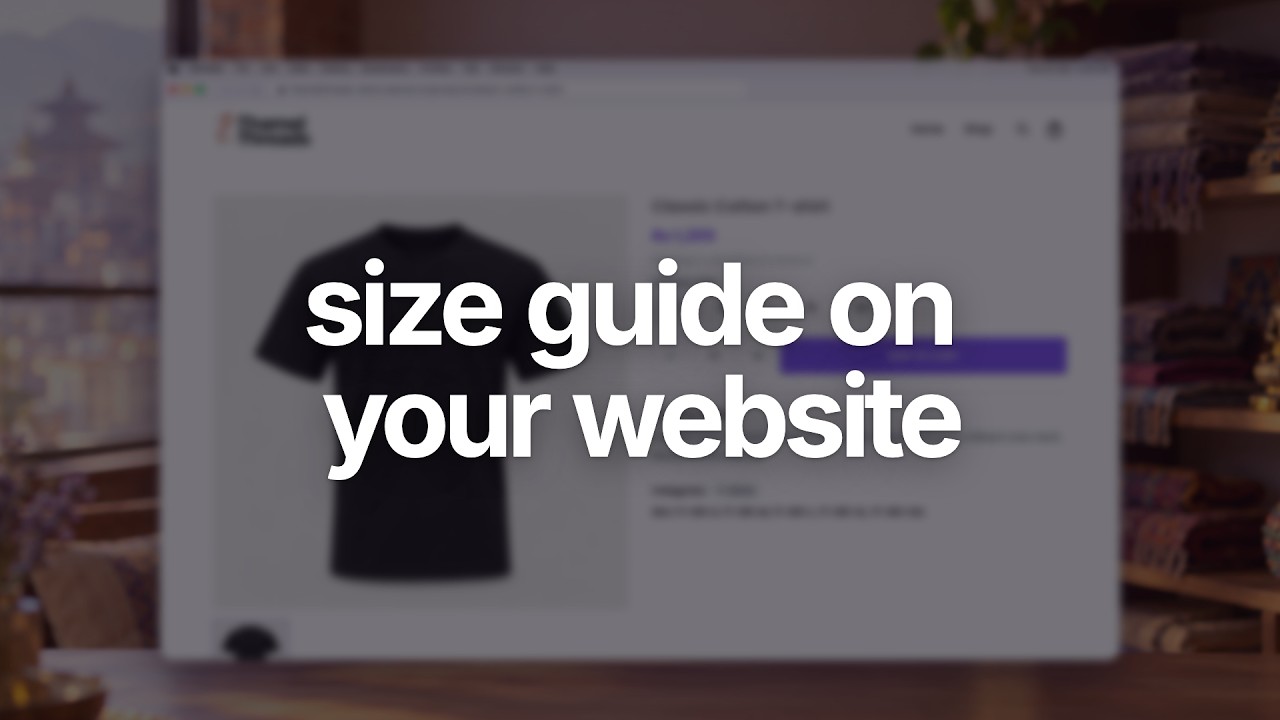 4:28Add size guides to your productsMake size charts for your clothing and link them to products, so shoppers see a Size Guide next to the sizes and pick the right one.Products · Guide and video
 6:19Set up and print barcode labelsSet up your barcode label size and what it shows, then print labels for your products to stick on and scan at the counter.Products · Guide and video
 2:38Sync your catalog to Meta Commerce ManagerGive Meta your product feed link once, and your Facebook, Instagram and WhatsApp catalog follow your prices and stock every hour.Products · Guide and video
 8:32Advanced Inventory: track every batchKeep stock per outlet and per batch, with its own cost and expiry, so you always know what you have, where, and what it cost.Inventory · Guide and video
 5:28Staff roles and permissionsInvite your staff and give each one a role, so they see and do only what their job needs.Staff · Guide and video
- 6:54Create an order (for your sales team)The most important one: how your team takes an order from a customer and creates it in Blanxer, step by step.Orders · Guide and video
 8:45Manage orders and logisticsTake an order from new to delivered: confirm it, send it to your courier, track the parcel and see which orders need you next.Orders · Guide and video
- 14:02Blanxer POS from start to finishSell at your counter with Blanxer POS: set it up, make a sale, take payment and close the day.POS · Guide and video
 4:22Connect Pathao ParcelConnect your Pathao account, then send any order to Pathao in one click and let its status update on its own.Delivery · Guide and video
 7:54Connect Nepal Can Move (NCM)Connect Nepal Can Move and send orders to it from Blanxer, including returns, exchanges and order comments.Delivery · Guide and video
 3:03Deliver with your own riders (Shipday)Connect Shipday to send orders to your own riders and follow every delivery yourself.Delivery · Guide and video
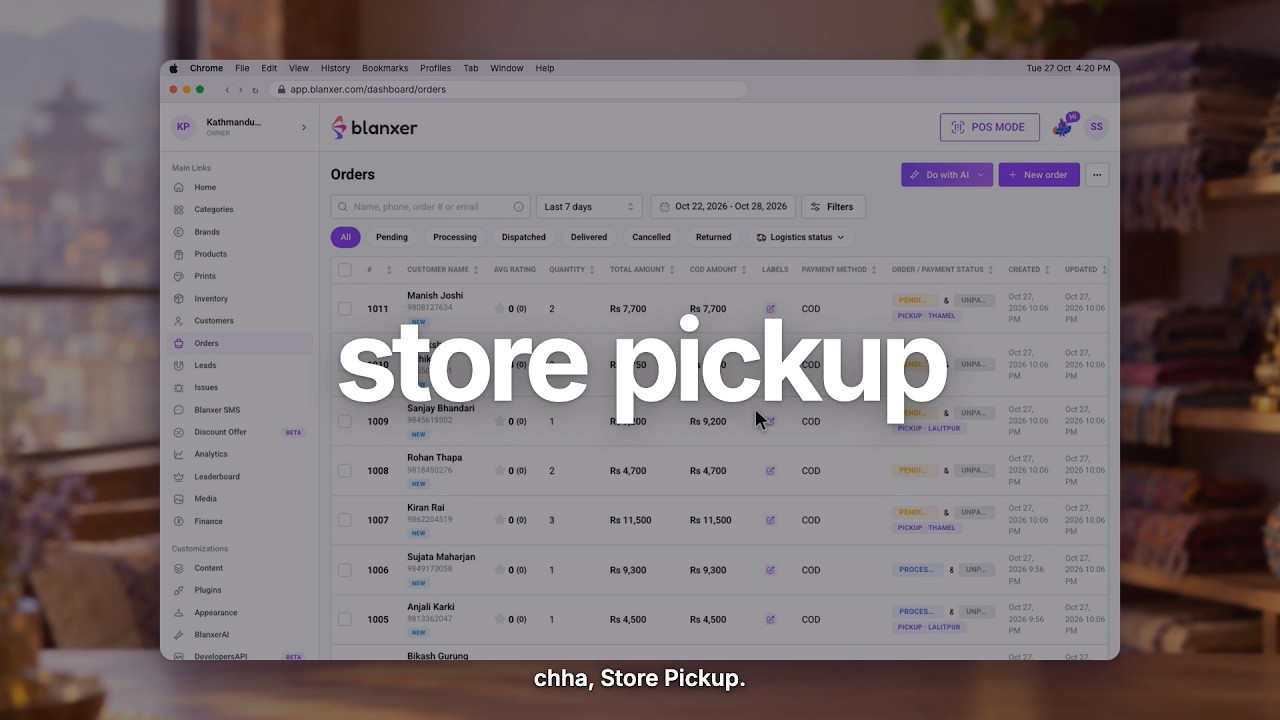 2:13Store pickup and multi-store fulfilmentLet customers pick up from your store, and fulfil orders from more than one store location.Delivery · Guide and video
 4:00Advance and partial payment at checkoutAsk customers to pay the delivery charge or part of the order online, and collect the rest as cash on delivery.Payments · Guide and video
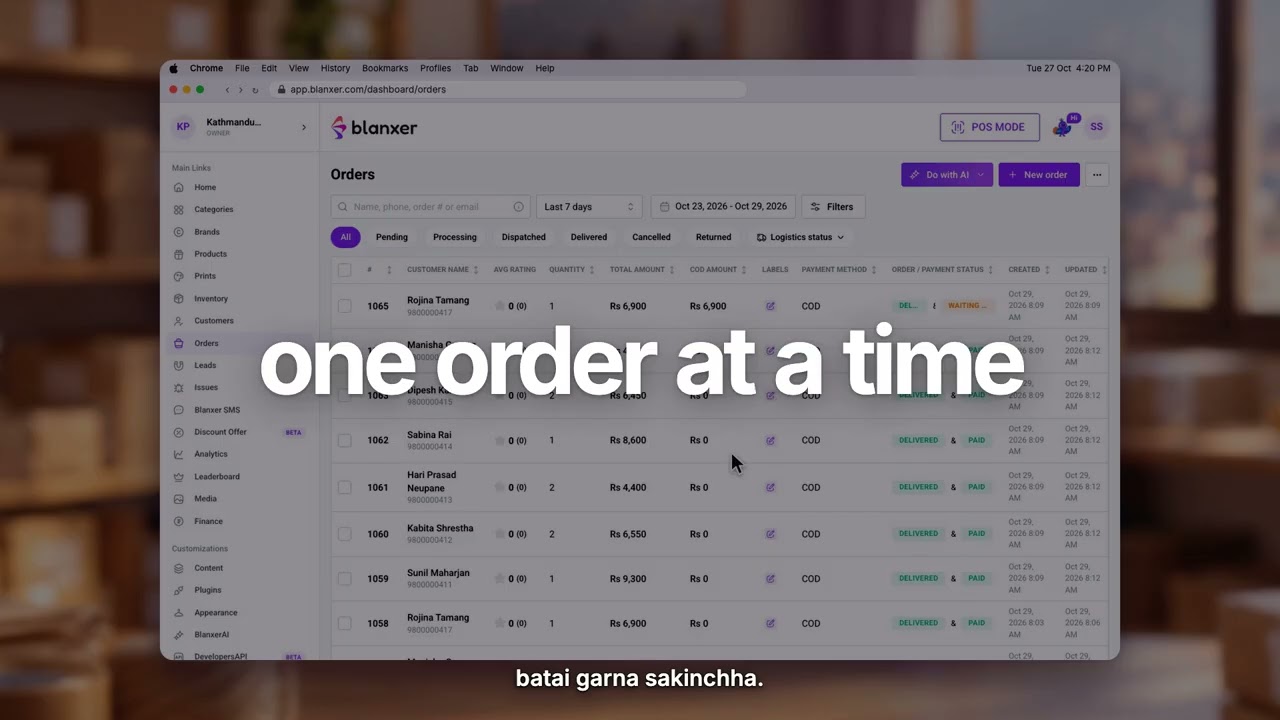 4:43Reconcile COD ordersMatch the cash your courier sends back against your delivered COD orders, and record it in the right account.Payments · Guide and video
 4:28Manage your cash and bank accountsKeep your cash, bank and wallet accounts in Blanxer, and see the money from sales, COD and expenses land in each one.Finance · Guide and video
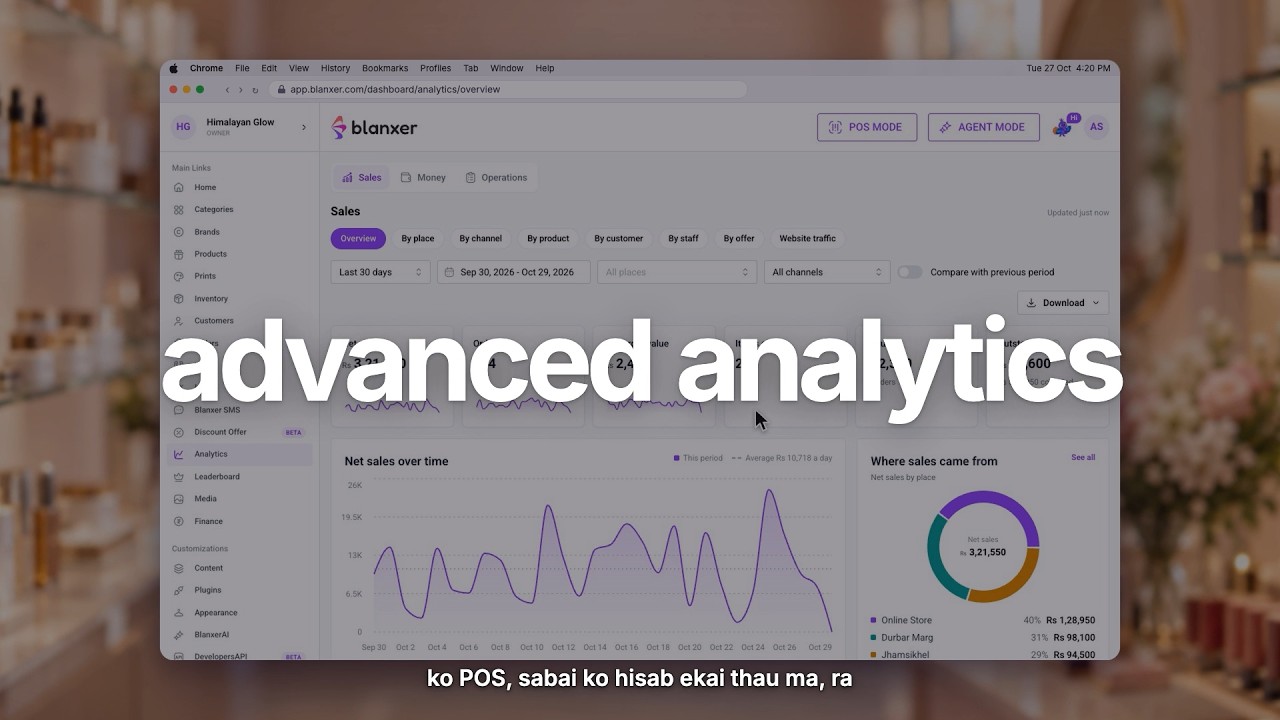 9:55Know your profits with Advanced AnalyticsSee what you really earn: sales, costs and profit in one place, and which products, channels and staff bring it in.Analytics · Guide and video
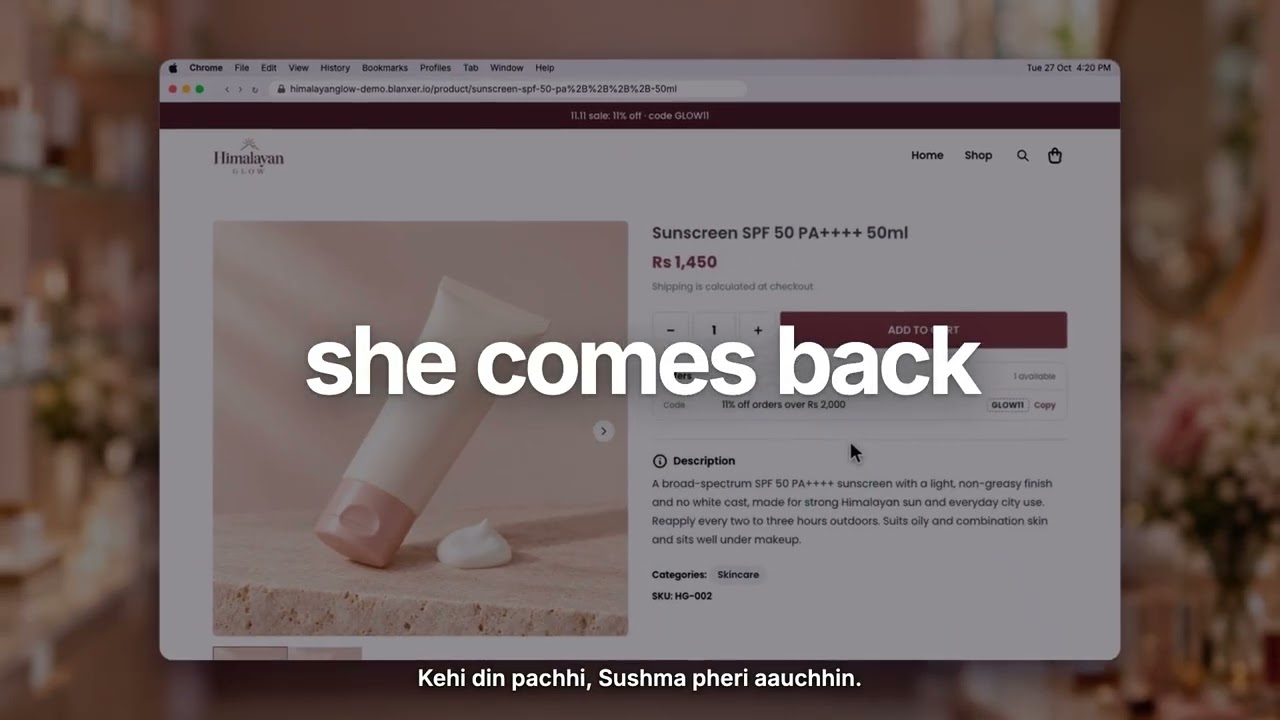 3:29Get customers to buy againUse Blanxer to bring past customers back and raise how often they order from you.Customers · Guide and video
 3:30Bulk SMS to all your customersPick your customers or past orders and send them all one SMS from Blanxer SMS.Customers · Guide and video
 3:06Collect and reply to reviewsCollect product reviews, reply to them, and after calling a customer ask them to edit their review.Customers · Guide and video
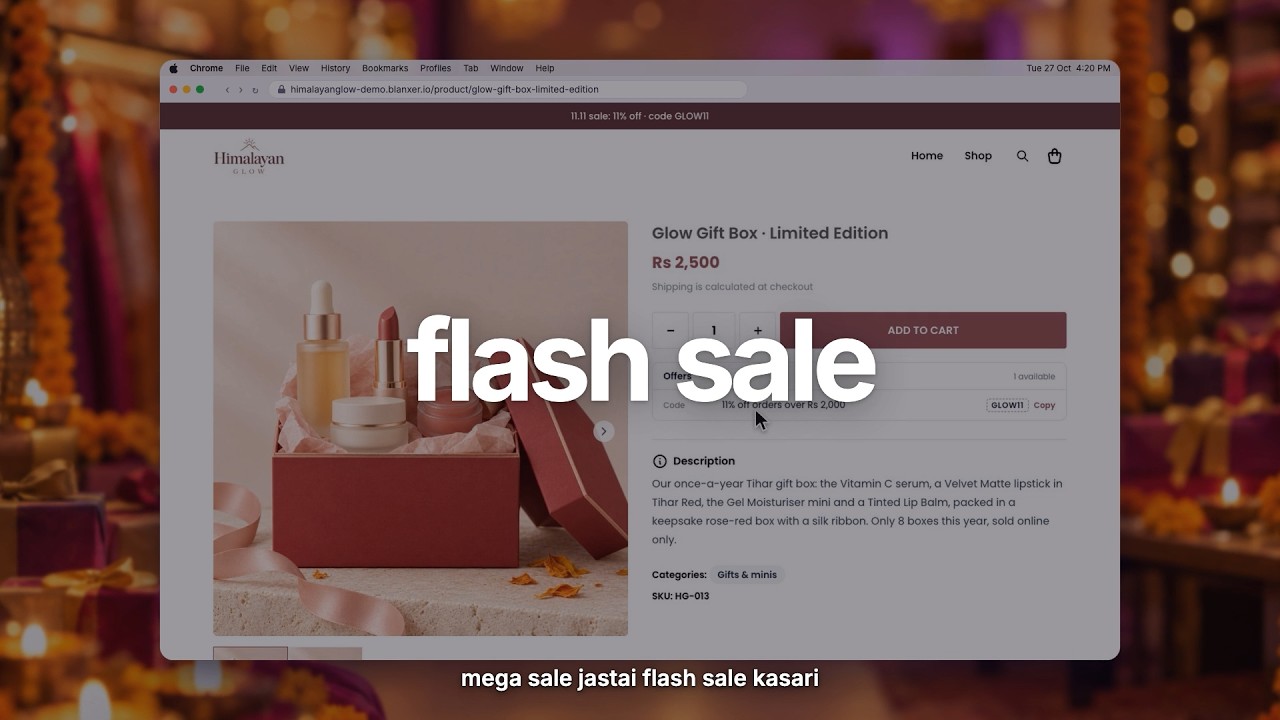 3:53Flash saleRun a sale for a set time: pick the products and the discount, and it starts and ends on its own.Offers · Guide and video
 3:0411.11 sale campaignSet up a store-wide campaign for a big sale day like 11.11, with its own dates and discounts.Offers · Guide and video
 3:27Free gift offerAdd a free gift to orders that meet your conditions, so customers see it in the cart and at checkout.Offers · Guide and video
 3:33Buy more, save moreGive a bigger discount the more a customer buys, to grow the size of every order.Offers · Guide and video
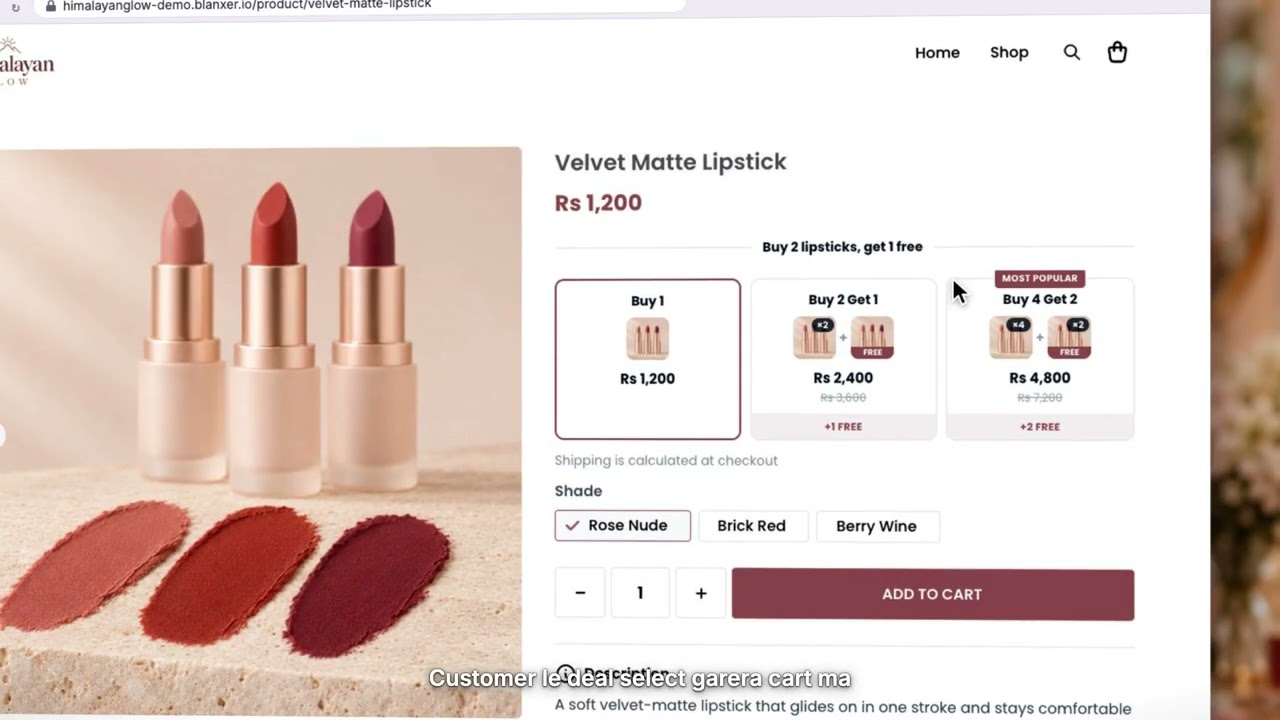 3:43Buy 1 get 1 free (BOGO)Create a buy-one-get-one offer and choose which products count for the free item.Offers · Guide and video
 3:00Free delivery above an amountMake delivery free once an order goes over the amount you set, so customers add a little more to reach it.Offers · Guide and video
 4:34Two ways to make bundlesSell products together as a set: make a bundle from Products or from Offers, and see how its price and stock follow the items in it.Offers · Guide and video
 8:23How SEO works, and how to optimise it with BlanxerAIHow Google and AI search find your website, and how the SEO plugin and BlanxerAI fix what holds it back: titles, descriptions, photo alt text and more.Website · Guide and video
Online selling
Selling from your own website: ads, checkout, and turning paid traffic into orders.
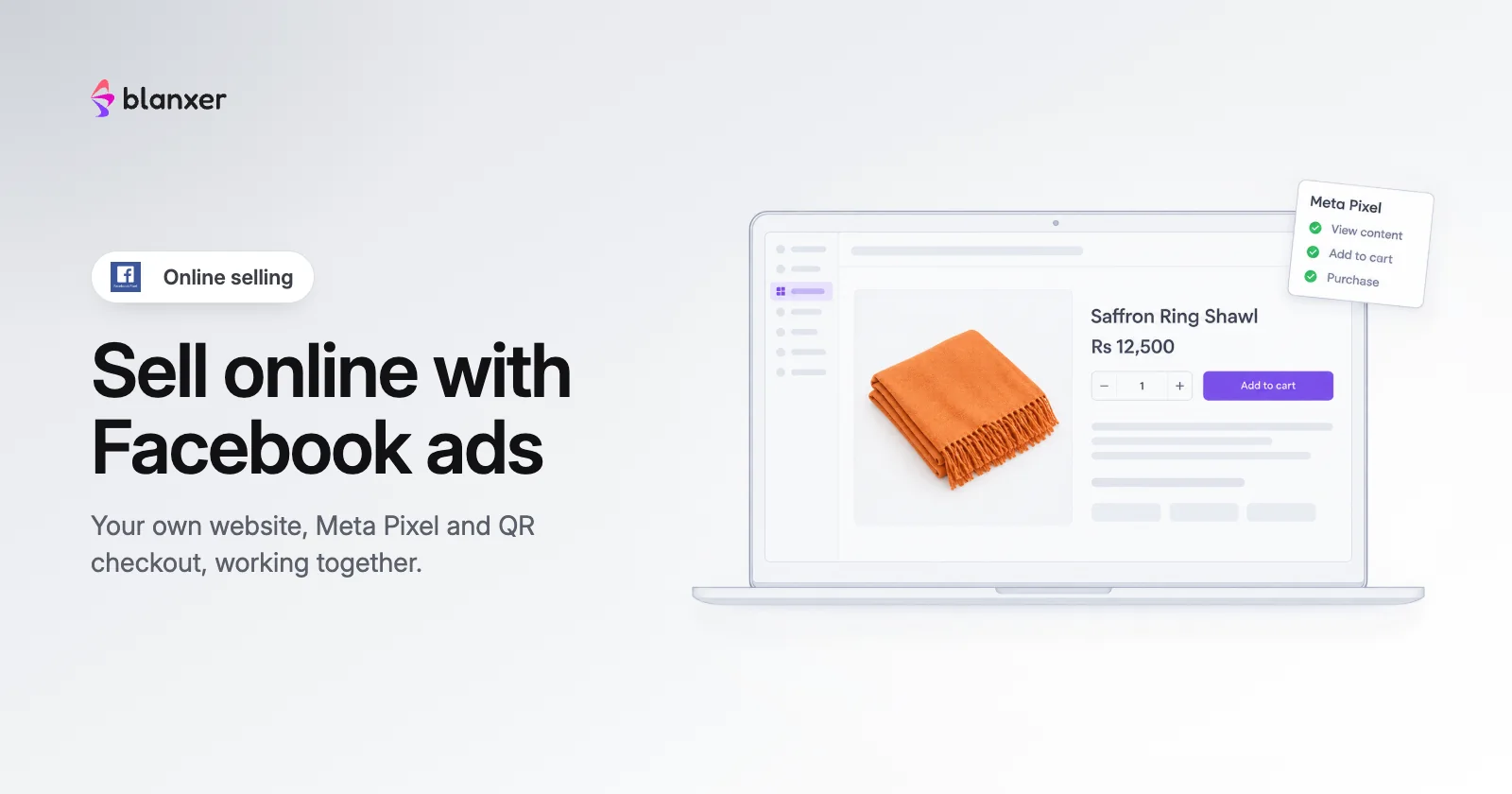
How to sell online in Nepal with Facebook ads and your own website
The exact system Nepali brands use to sell from their own website, from Pixel setup and QR checkout to campaign structure and retargeting.
15 Jan 2026 · Online selling · 20 min read
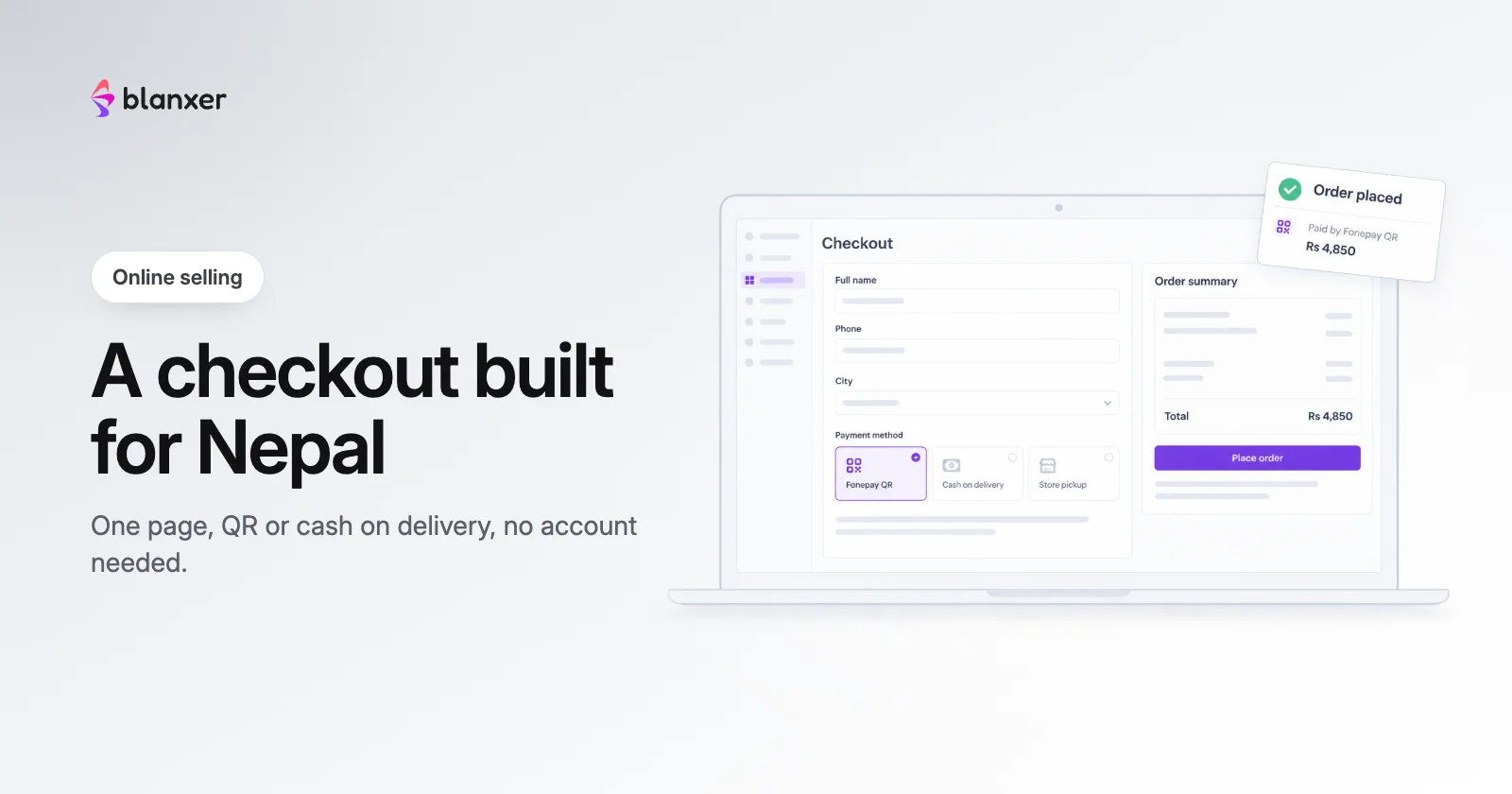
Website and checkout engine: how Blanxer stores convert paid traffic
Infrastructure built after 500,000+ real checkouts. Why a one-page checkout with QR payment converts paid traffic in Nepal.
15 Jan 2026 · Online selling · 18 min read
Payments
Fonepay QR on your online store and at the POS counter.
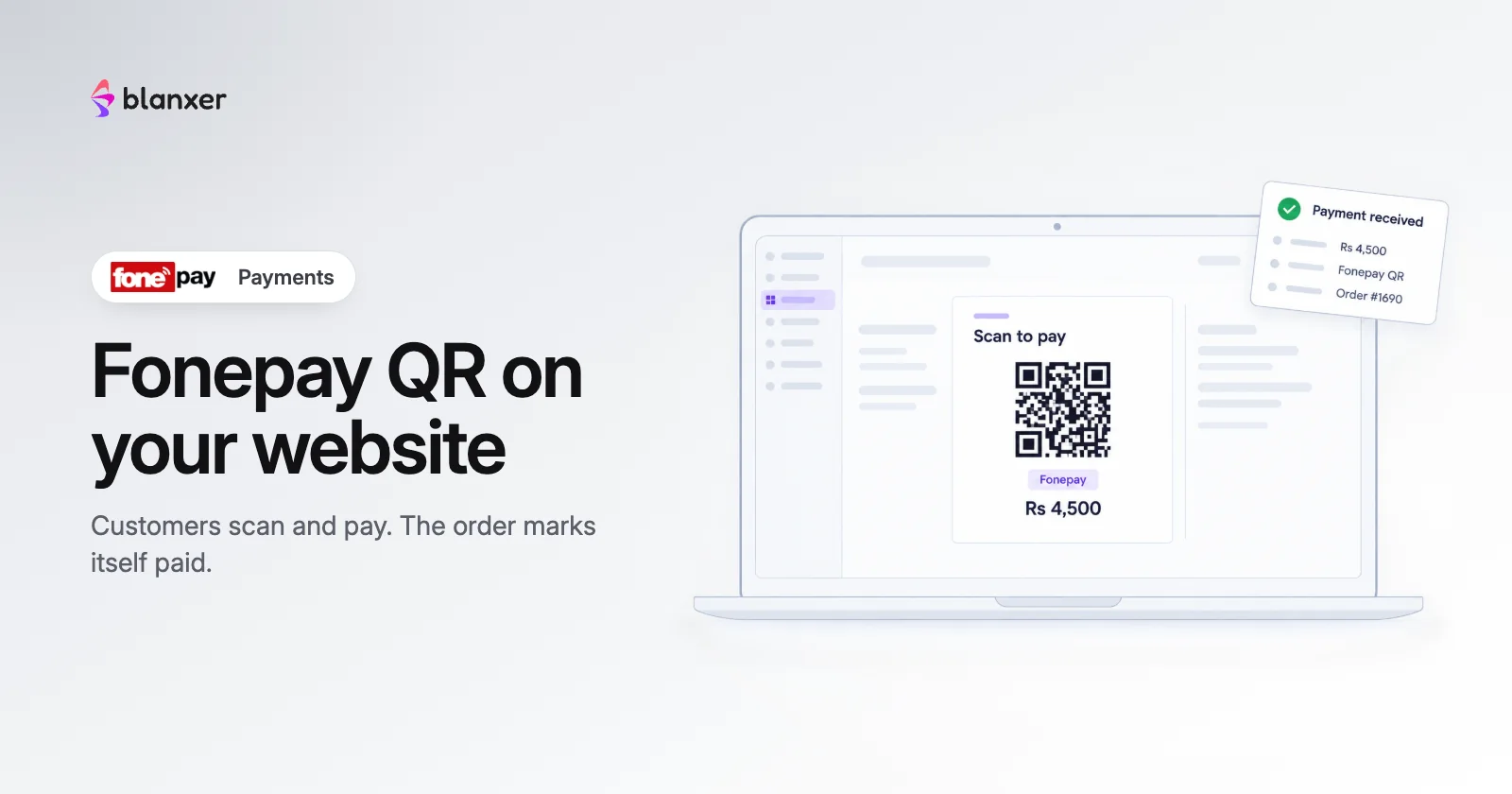
Blanxer QR payments, powered by Fonepay
Accept Fonepay QR on your website without the Rs 25,000 integration fee, with your brand on the payment screen.
15 Jan 2026 · Payments · 10 min read
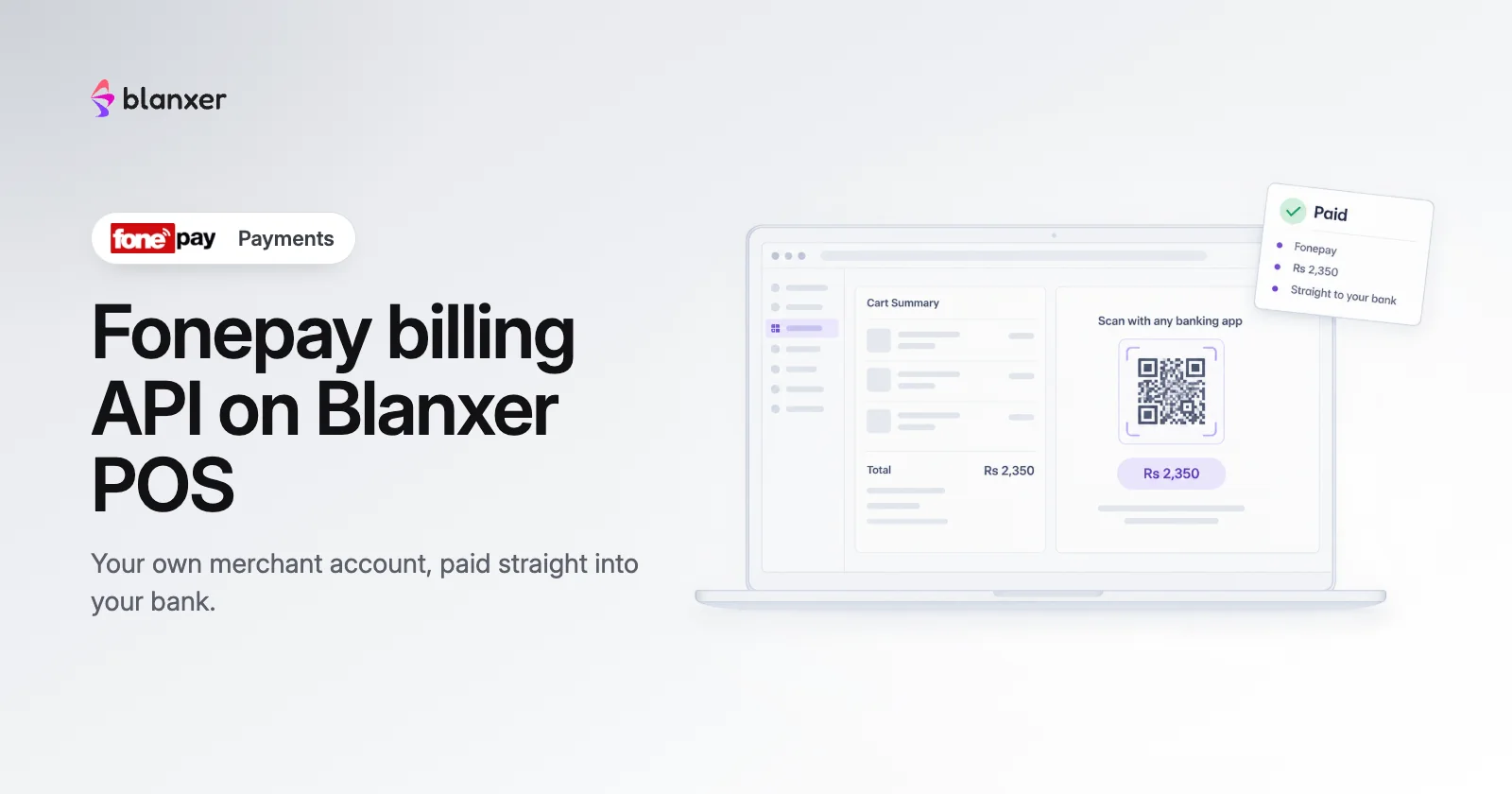
Blanxer POS now supports the Fonepay billing API
Connect your own Fonepay merchant account to Blanxer POS and receive payments straight into your bank account.
15 Jan 2026 · Payments · 6 min read
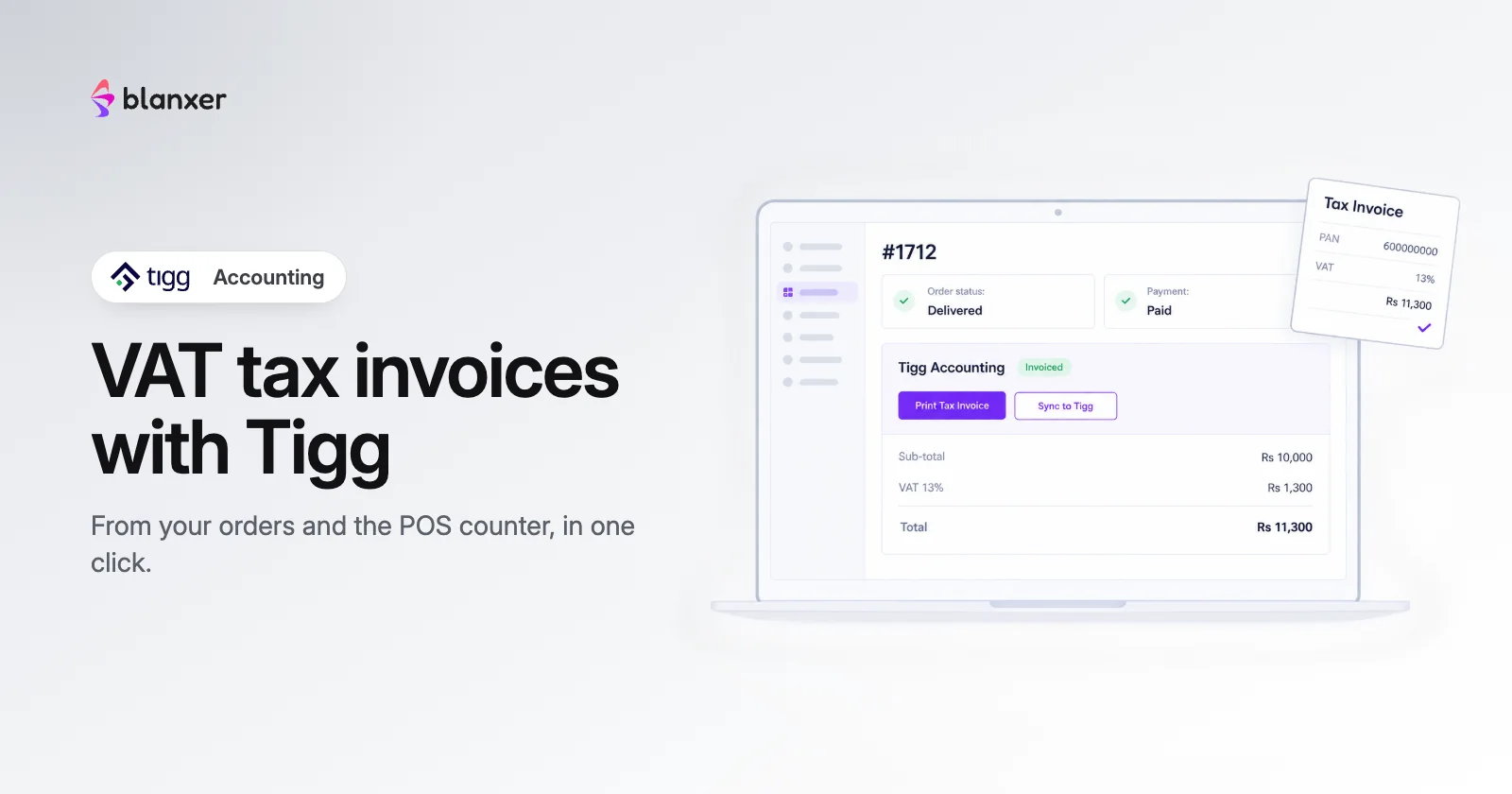
Tigg accounting: VAT tax invoices from your Blanxer orders and POS
Connect Tigg once, then turn any order or counter sale into a VAT tax invoice in one click.
6 Nov 2026 · Payments · 8 min read
Logistics
Connecting Nepali couriers to your orders, one guide per courier.
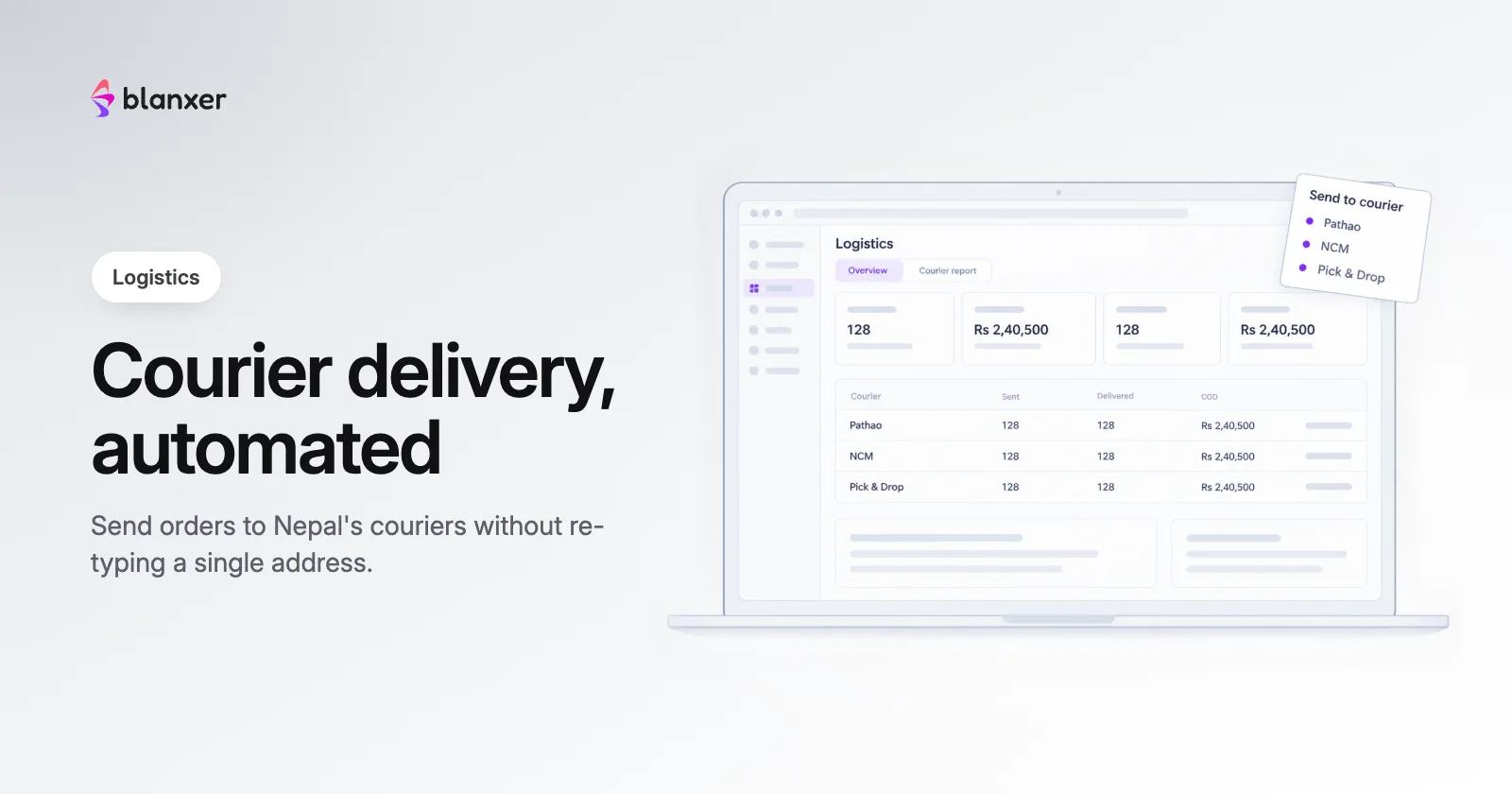
Logistics integration in Nepal: automate delivery and stop COD errors
Stop re-typing addresses into courier portals. Automate order submission, remove COD errors and track every delivery in one place.
15 Jan 2026 · Logistics · 15 min read
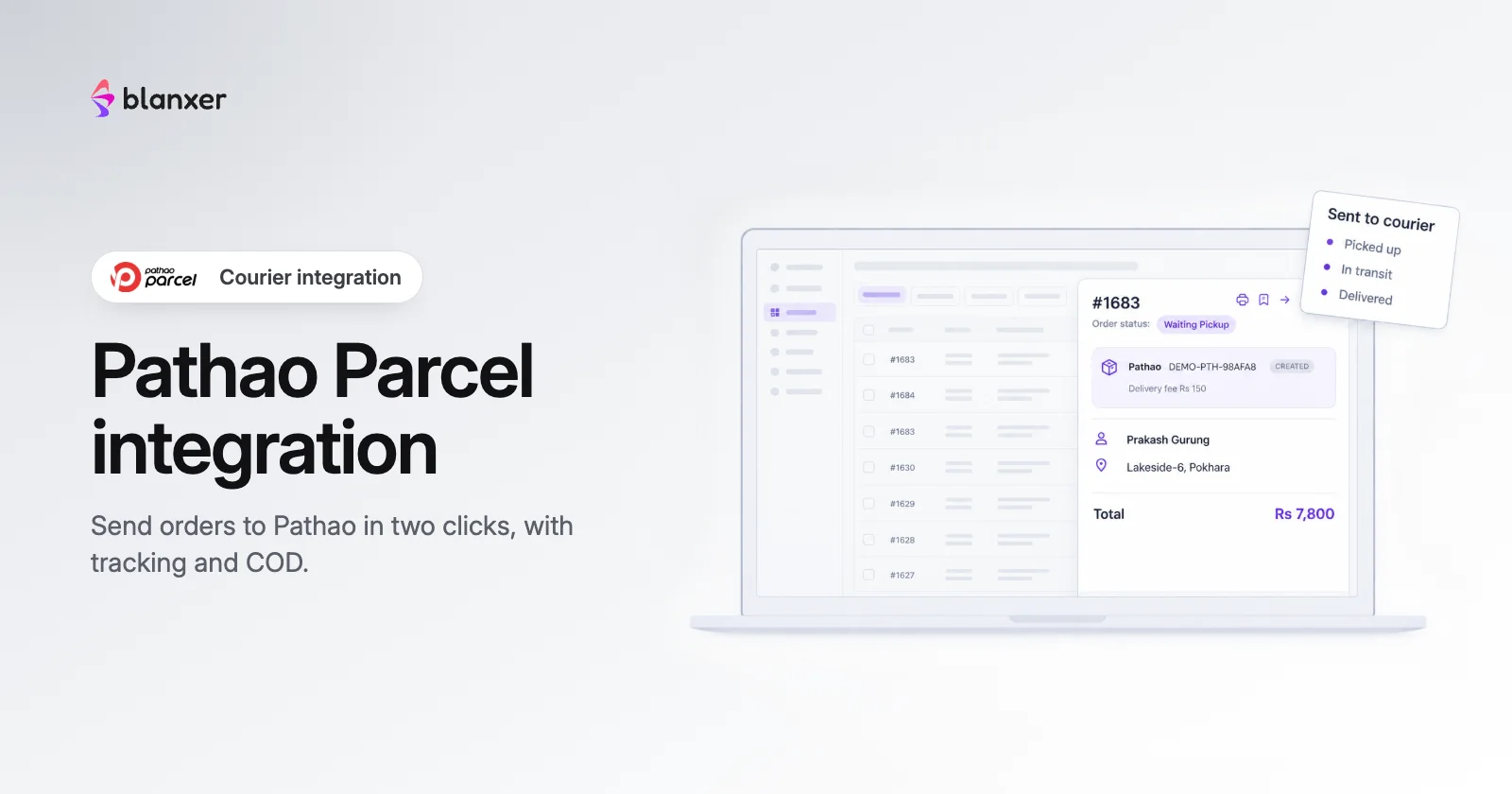
Pathao Parcel integration: send orders to Pathao in two clicks
One-click pickup requests, real-time tracking and no manual data entry between your store and Pathao.
15 Jan 2026 · Logistics · 8 min read
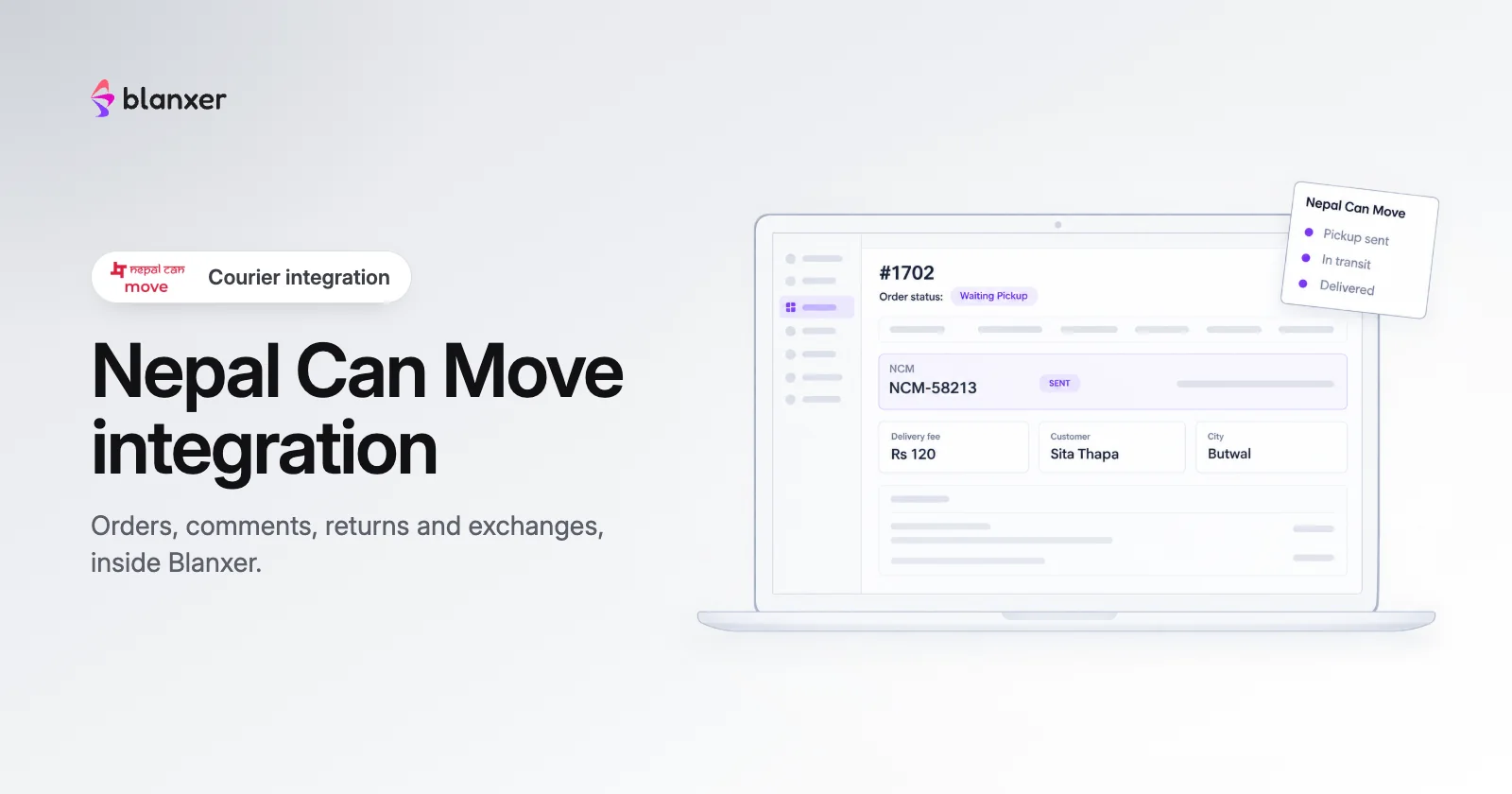
How to connect Nepal Can Move (NCM) to Blanxer
Automate your delivery workflow with NCM, from order creation to status tracking, in a few clicks.
15 Jan 2026 · Logistics · 5 min read
Pick & Drop integration: reliable delivery across Nepal
Nationwide delivery coverage with automated pickups and real-time tracking.
9 Apr 2026 · Logistics · 6 min read
How to connect Dash Logistics to Blanxer
Manage and track your Dash Logistics orders from your Blanxer dashboard.
15 Jan 2026 · Logistics · 4 min read
Integrate Upaya City Cargo with Blanxer
Send delivery orders directly from your Blanxer dashboard to Upaya.
15 Jan 2026 · Logistics · 5 min read
Fab Bud integration: 60-minute delivery in Kathmandu Valley
Deliver within 60 minutes in Kathmandu Valley with automated pickups.
9 Apr 2026 · Logistics · 7 min read
POS & retail
Billing, barcodes and stock across your shop and your website.
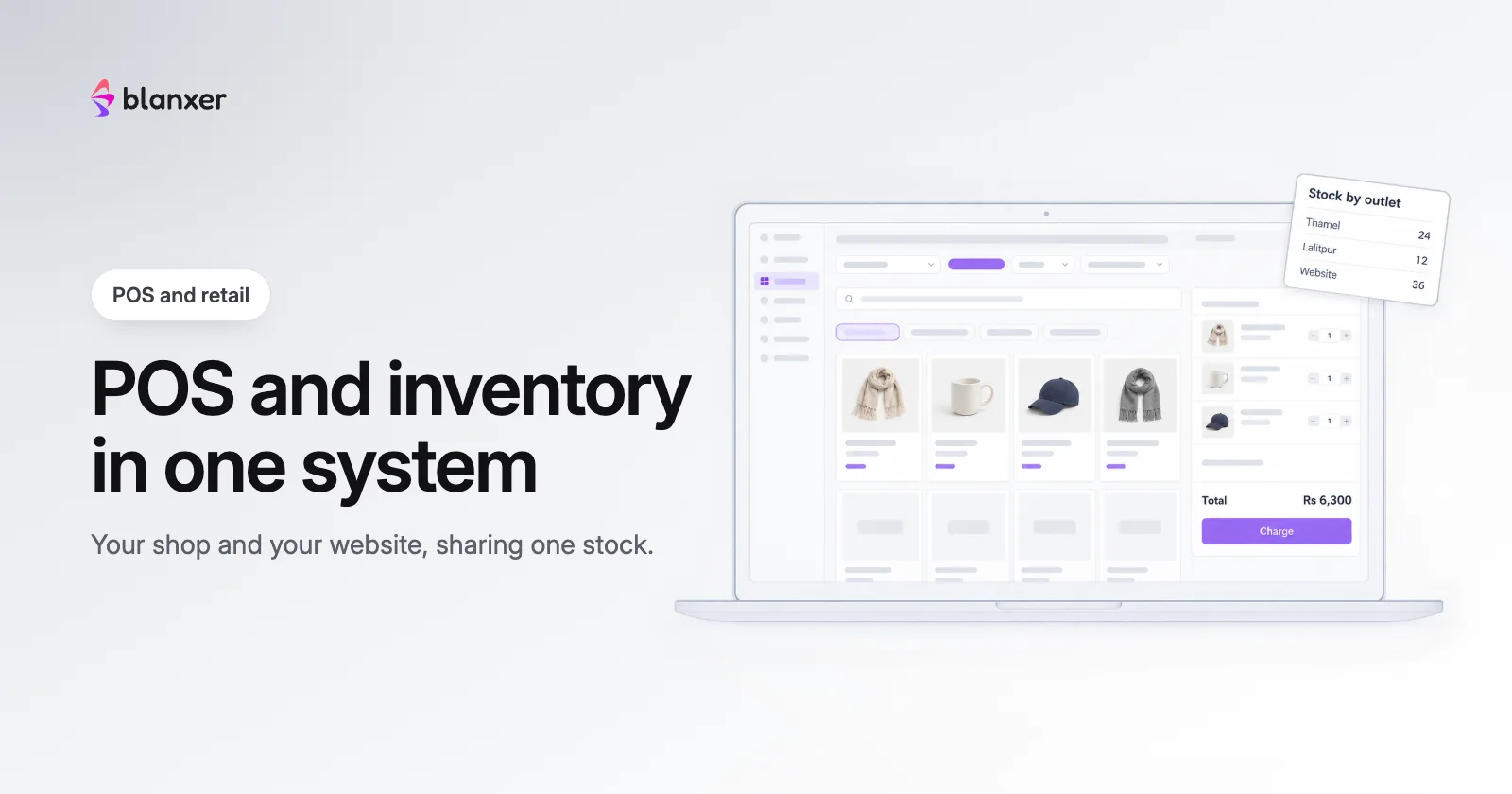
Store setup
Getting your catalogue in and reading your numbers.
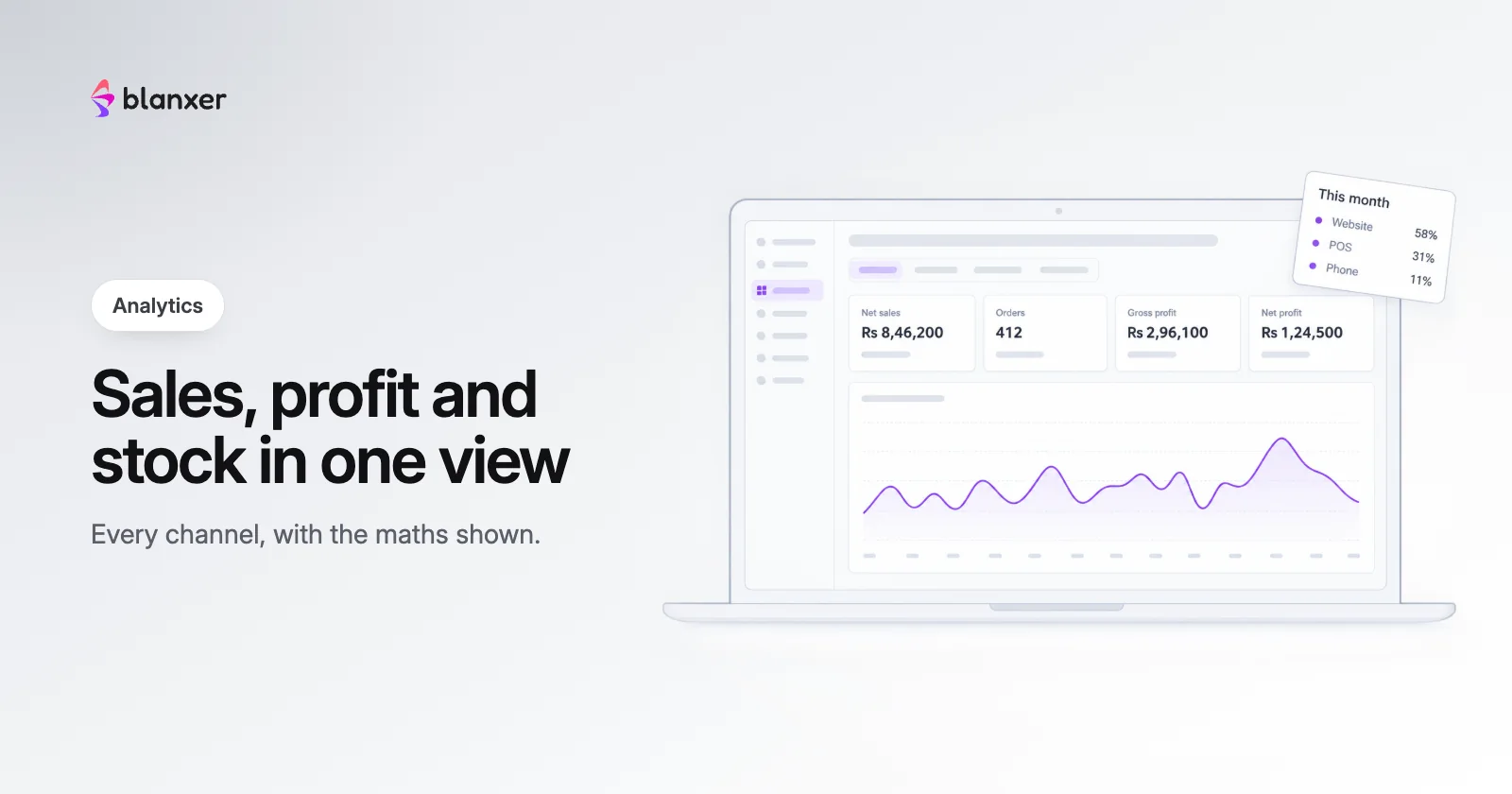
Blanxer analytics: see sales, profit and stock in one dashboard
Revenue, margins, channel performance and conversion in real time, for ecommerce and retail.
15 Jan 2026 · Store setup · 12 min read
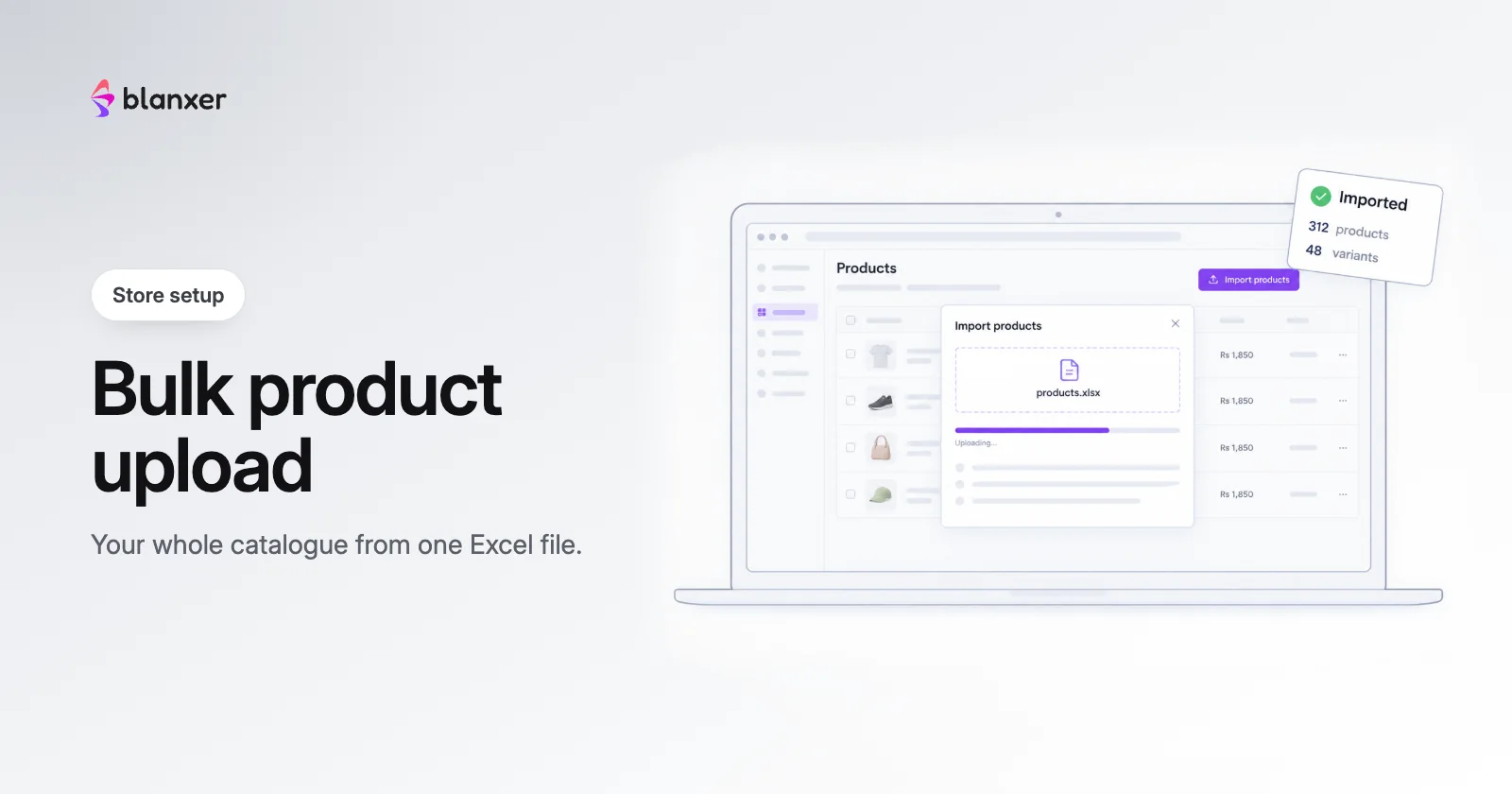
Bulk product upload: add hundreds of products in one go
From image preparation to CSV formatting, upload your whole catalogue at once.
15 Jan 2026 · Store setup · 12 min read
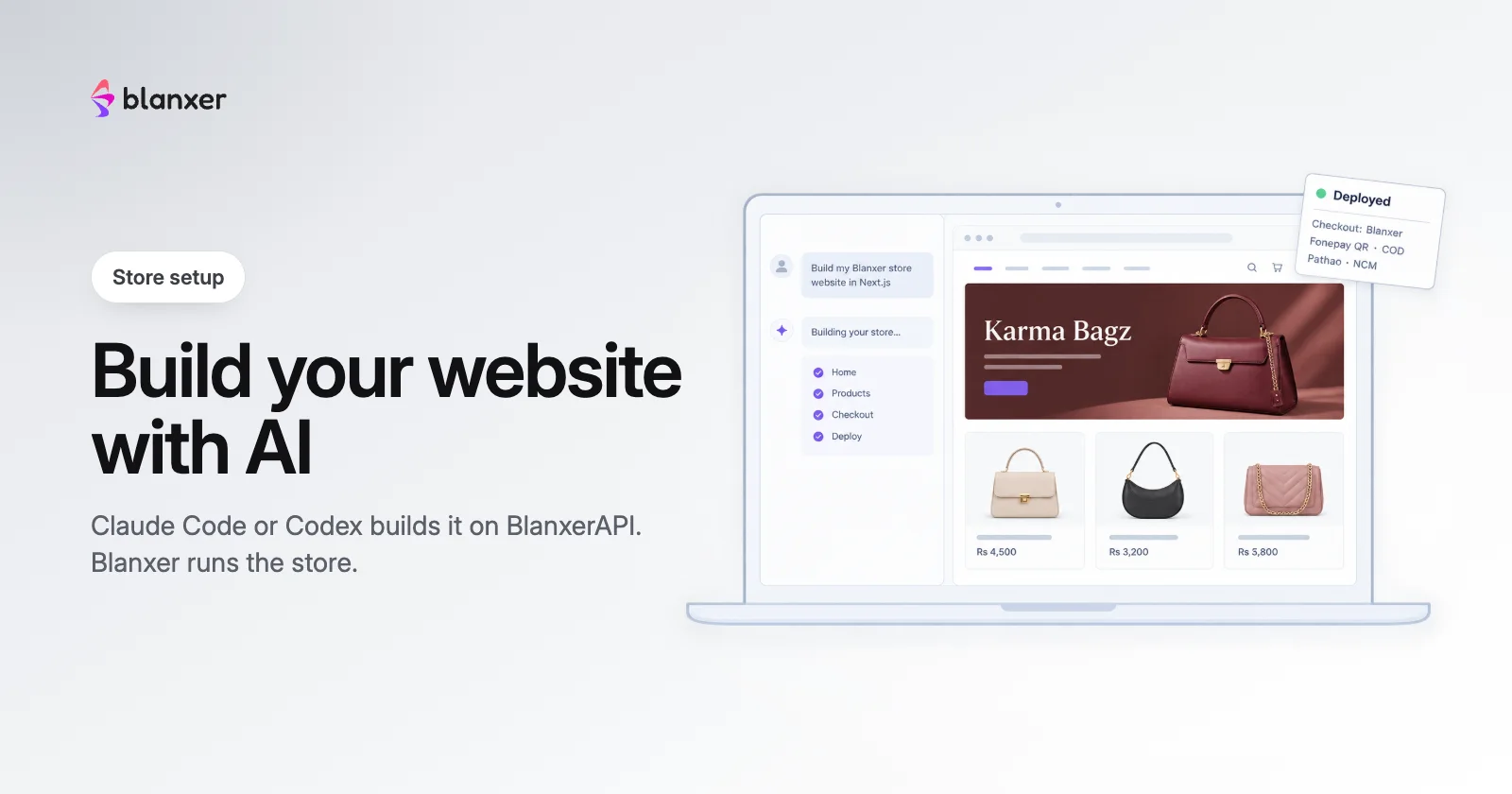
Build your store website with AI: BlanxerAPI with Claude Code or Codex
Paste one prompt into Claude Code or Codex and get a custom website, with Blanxer running the store behind it. See Karma Bagz built start to finish.
9 Nov 2026 · Store setup · 7 min read
Marketing
Bulk SMS, analytics and the tracking tags behind your ads.
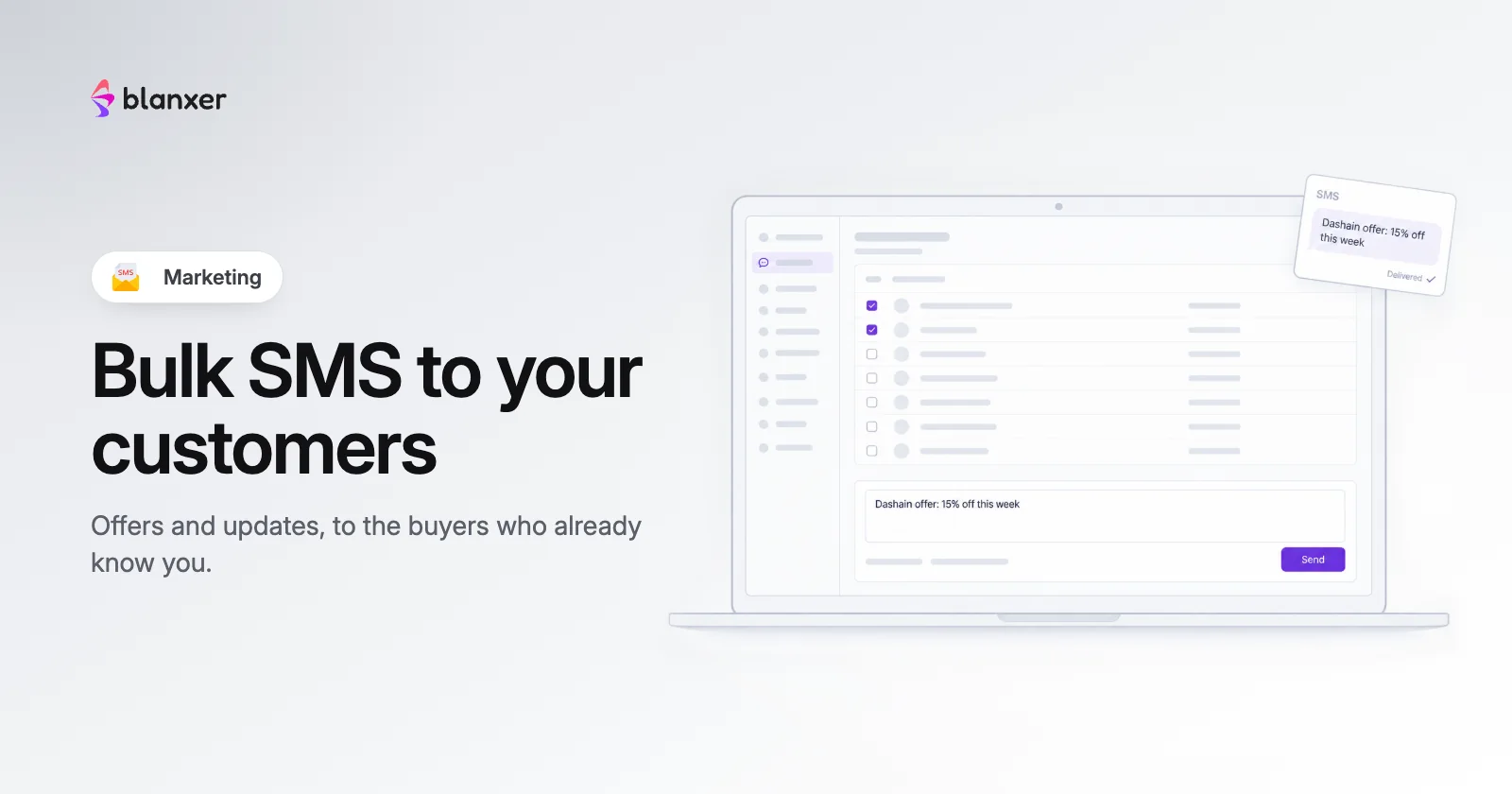
Bulk SMS: message thousands of your delivered customers at once
Reach many customers at once for offers, win-backs or updates, filtered from your own order history.
15 Jan 2026 · Marketing · 8 min read

Google Analytics integration: track, analyse and grow your store
Track visitors, measure conversions and see which marketing pays, in one simple step.
15 Jan 2026 · Marketing · 10 min read
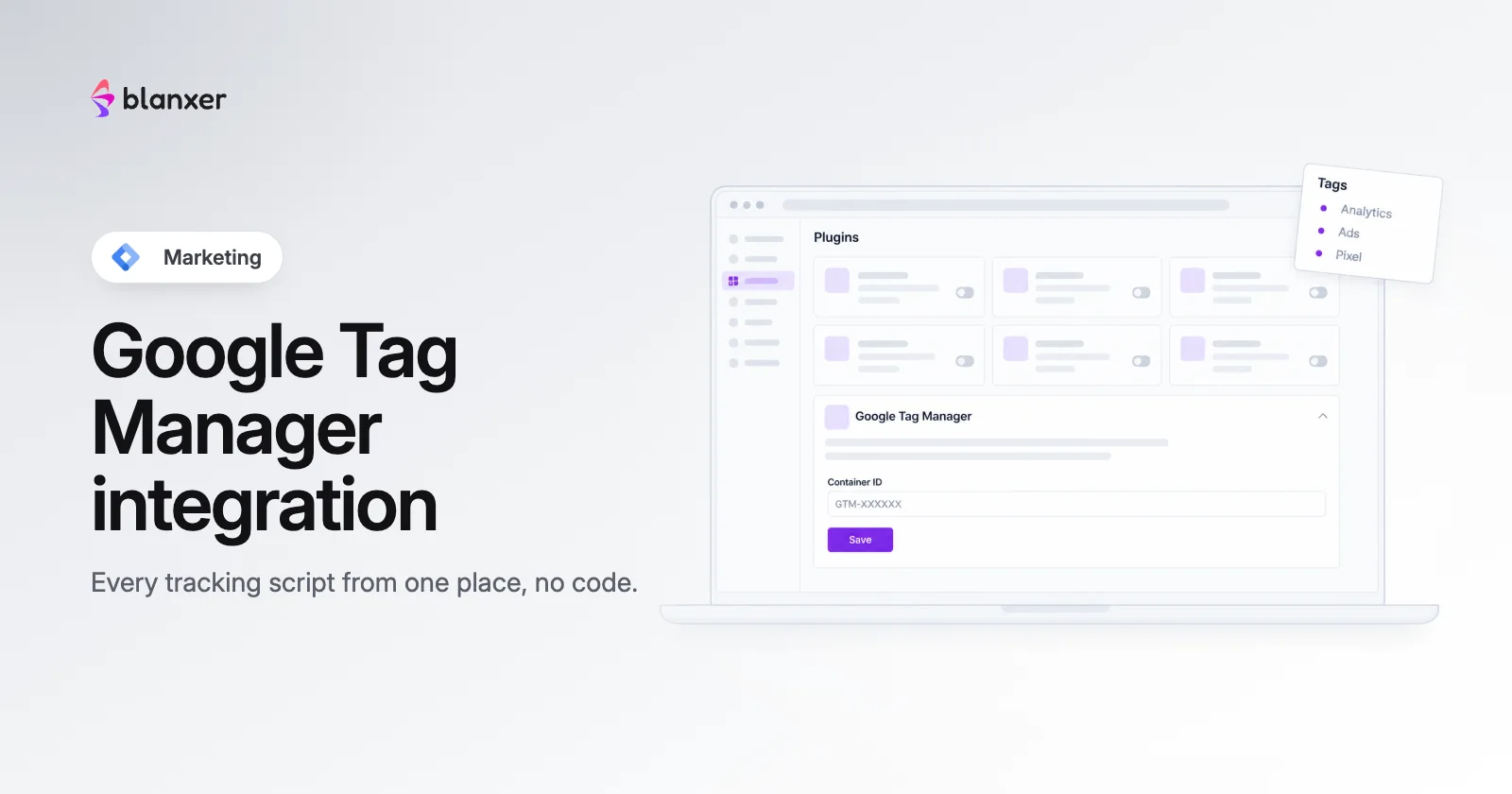
Google Tag Manager integration: all your tracking in one place
Every marketing pixel and analytics script from one dashboard, no code required.
15 Jan 2026 · Marketing · 12 min read
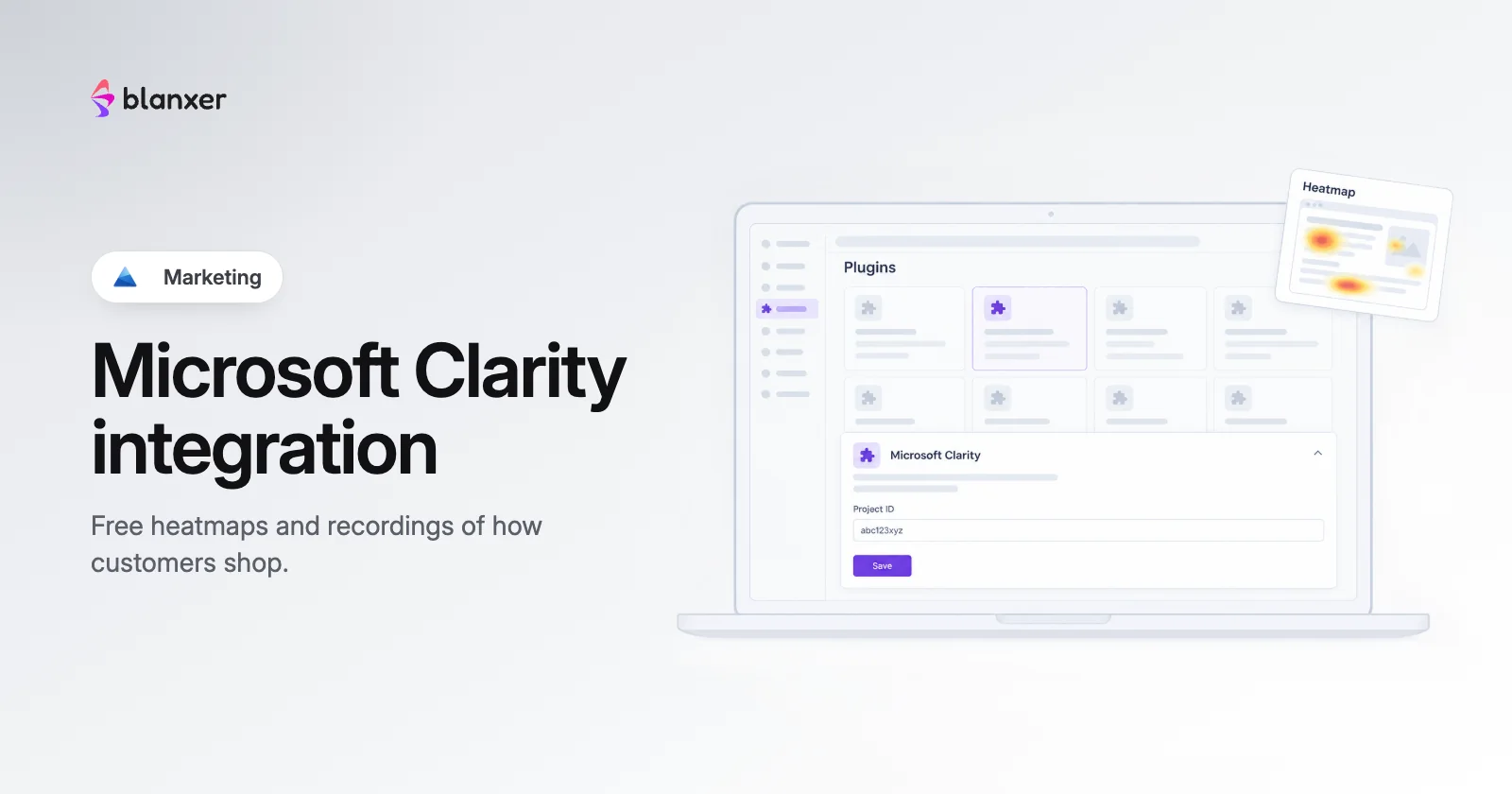
Microsoft Clarity integration: see how customers use your website
Free heatmaps and session recordings that show where customers get stuck.
15 Jan 2026 · Marketing · 10 min read
Compliance
What the E-Commerce Act, 2081 asks of online sellers, and the policy pages to publish.
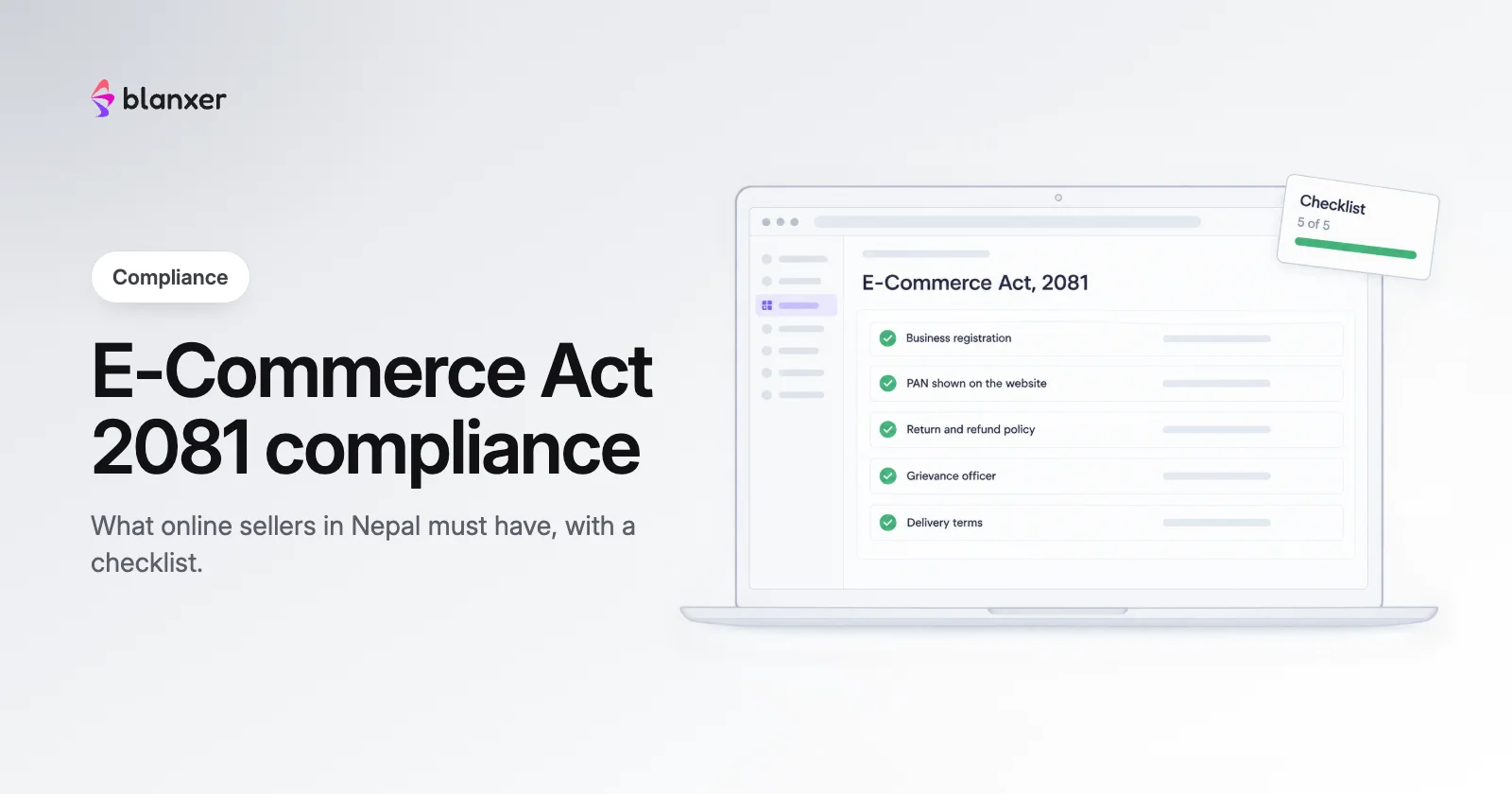
Compliance guide for online sellers under Nepal's E-Commerce Act, 2081
Every legal and technical requirement of the E-Commerce Act, 2081 for online sellers, with a checklist.
15 Jan 2026 · Compliance · 15 min read
Copy-paste policy pack: 8 policy pages for your online store
Eight ready-to-publish policy pages written to the E-Commerce Act, 2081. Fill in the brackets and publish.
15 Jan 2026 · Compliance · 10 min read
See Blanxer with your own business in mind.
Book a demo. We'll show you the store, checkout, POS and dashboard, and tell you honestly which plan you need.
Prefer to talk directly?
Already a customer? Support on WhatsApp +977 9802344850, Sun–Fri, 9 AM – 6 PM.
Follow Blanxer
 A Blanxer product
One AI inbox for every customer conversation.
Sambad.io brings WhatsApp, Instagram, Facebook, website chat and email into one inbox. Connect your Blanxer store and its AI answers from your catalogue, checks stock, quotes delivery and places the order right in the chat.
- Website chat
- Gmail
- Outlook
- Zoho Mail
